How to download Twitch clips on PC
Updated October 7, 2026 · tested with version 2.0.0
To download a Twitch clip, paste its clips.twitch.tv/… or twitch.tv/channel/clip/… link into Top Video Downloader and pick a quality; you get an MP4. No Twitch login is needed. Paste a channel's clips page instead and version 2.0 lists its top clips of the day, week, month or all time for bulk download.
- Twitch login
- Not needed; clips are public
- Quality
- What the clip player offers, usually up to 1080p
- Formats
- MP4; audio as MP3, M4A, Opus, FLAC or WAV
- Free plan
- 3 downloads without an account, then 10 a day up to 720p; higher costs 1 credit or a subscription
A Twitch clip is a moment of a stream, up to a minute long, cut by a viewer or the streamer. Unlike VODs, clips don't expire on a timer, but they disappear if the streamer deletes them or the channel is banned. A downloaded clip is easy to share, drop into an edit, or post as a short, provided you have the rights.
How to download a single Twitch clip
- 1
Open the clip and click Share → Copy link. The address bar works too.
- 2
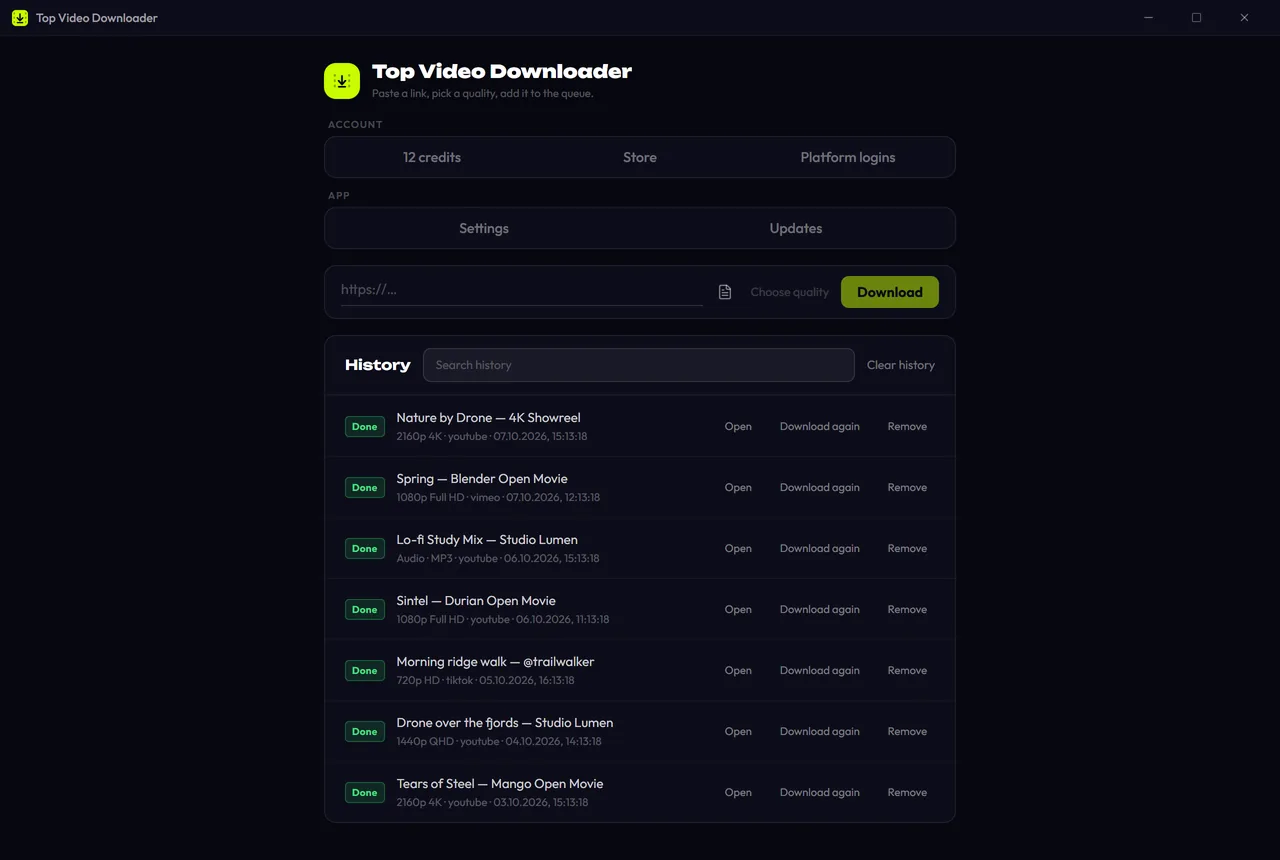
Paste it into Top Video Downloader and click Check formats. With “Offer links I copy” on, the app offers the copied clip by itself.
- 3
Pick a quality: up to 720p is free, 1080p costs 1 credit. Audio only keeps just the sound.
- 4
Click Add to queue. Clips are short, so it takes seconds.
Download Top Video Downloader
Free: 3 downloads without an account, then 10 a day up to 720p, no ads. 4K and unlimited downloads come with a subscription, a lifetime plan or credits.
Top Video Downloader is a desktop app
It runs on Windows, macOS and Linux. Send the link to yourself to open it on your computer, or join the waitlist for a phone version.
Which Twitch clip links work
clips.twitch.tv/FaintLightGullWholeWheat: the short link from Share.twitch.tv/channel/clip/CulturedAmazingKuduDatSheffy-…: the clip's address on the channel page.m.twitch.tv/clip/…: a link from the mobile site or the Twitch app.clips.twitch.tv/embed?clip=…: a clip embedded on another website.twitch.tv/channel/clips?filter=clips&range=7d: a channel's clips page, which opens as a list.
How to download all clips from a Twitch channel
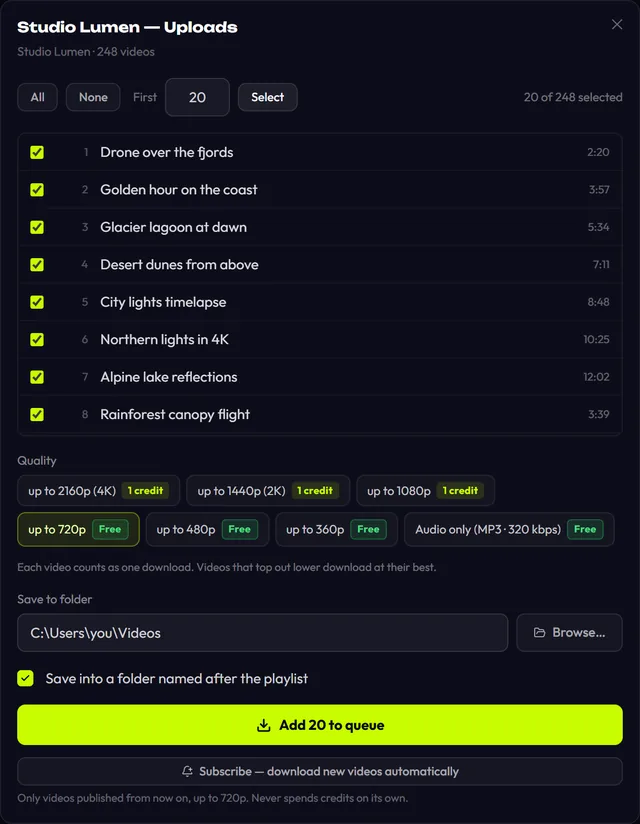
Open the channel → Videos → Clips, choose a period and copy the page address. The app opens it as a list of the most popular clips for that period, up to 1000 of them. The range parameter in the link sets the period:
| Link parameter | Clips in the list |
|---|---|
range=24hr | top clips of the last 24 hours |
range=7d | top clips of the week (also the default with no parameter) |
range=30d | top clips of the month |
range=all | top clips of all time |
Then choose All or First N, set one quality ceiling, and save into a folder named after the list. Each clip is one download: 10 a day are free, the rest cost 1 credit each, or nothing extra with a subscription. If your free downloads run out mid-list, the app stops and asks before using credits. More in playlists and channels.
Twitch clip or part of a VOD: which to download
| Twitch clip | Part of a VOD | |
|---|---|---|
| Length | up to 60 seconds | any, up to 24 hours |
| Who picks the moment | whoever made the clip | you, by time or chapter |
| How long it lasts | until the clip is deleted | as long as the VOD: 7 to 60 days |
| How to download | from the clip link | “Download only a part” on a Twitch VOD |
If the moment you want isn't clipped, or you need more than a minute, take the VOD and cut the section with download part of a video, which cuts on keyframes without re-encoding.
Twitch clip quality and file size
Twitch stores each clip as ready-made MP4 files in several qualities, usually up to 1080p. A one-minute 1080p clip at 6 Mbps (the top bitrate Twitch recommends to streamers) is about 45 MB, and 720p is smaller. The audio of a one-minute clip as MP3 takes 1 to 2.5 MB depending on bitrate.
Twitch clip not downloading? Fixes
- Unavailable. The streamer or a moderator deleted the clip, or the channel was banned. Nothing is left to download.
- You got the live channel, not the clip. You copied the channel address (
twitch.tv/channel). Open the clip itself and copy a link with/clip/orclips.twitch.tv. - Rate limited on big lists. Twitch slows things down when clips download by the dozen. The app retries automatically; you can also lower parallel downloads in Settings → Network.
- Site changed. Twitch changed its clip pages. In 2.0 the yt-dlp engine updates without a new app release; wait a little and click Retry. Platform health is on the status page.
About rights
A clip belongs to the streamer. Save clips of your own channel and for your personal archive freely; re-upload other people's clips only with permission. More: is it legal to download videos.
Can I download a Twitch clip without software?
Channel owners can download their own channel's clips from Twitch's creator dashboard. For anyone else's clips there's no button, so you're left with online sites and bots, with their ads and limits. The app takes the clip straight from Twitch at its original quality and can grab all of a channel's top clips for a period at once.
How do I download all clips from a streamer at once?
Open the channel → Videos → Clips, choose a period and copy an address like twitch.tv/channel/clips?filter=clips&range=all. The app opens a list of up to 1000 top clips. Choose All or First N and add them to the queue. Each clip counts as one download.
Do I need to log in to Twitch to download clips?
No. Twitch clips are public and the app downloads them without a login. A Twitch login in Platform logins is only needed for VODs a channel keeps for subscribers; see the guide to Twitch VODs. If you do save a login, it's encrypted and stays on your computer.
Can I save the audio from a Twitch clip?
Yes. Pick the Audio only row to get an MP3. You can switch the format to M4A, Opus, FLAC or WAV and choose 128 to 320 kbps in Settings. Audio counts as a free download within the 10-a-day quota, which is handy when you only need a line or a reaction.
How many Twitch clips can I download for free?
The first 3 need no account, then a free account gives 10 a day up to 720p. Clips in 1080p, and anything past the daily quota, cost 1 credit per clip. A subscription removes the limits, and credits never expire. Details are on the pricing page.
Read next
- How to download Twitch VODs and past broadcastsTo download a Twitch VOD, past broadcast or highlight, paste its twitch.tv/videos/… link into Top Video Downloader and pick a quality, usually up to 1080p60, or audio only. No Twitch login is needed except for subscriber-only VODs. Twitch deletes past broadcasts after 7 to 60 days, so save them early. The free plan covers up to 720p.
- Download only part of a videoTop Video Downloader 2.0 can download just part of a video instead of the whole thing. In the quality picker, tick Download only a part, type a start and end time (90, 1:30 or 1:02:03) or click a chapter. Cuts land on the nearest keyframes with no re-encoding, so the edges can shift by a second or two.
- Download whole playlists, channels and profilesTop Video Downloader 2.0 downloads whole playlists, YouTube channels and TikTok or Instagram profiles to your computer. Paste the link and the app lists up to 1,000 videos; tick all, none or the first N, set one quality cap, and each video counts as one download. Free accounts get 10 a day up to 720p.
- How to download TikTok videos without a watermark on PCTop Video Downloader saves TikTok videos to your PC from a link, and it takes the stream TikTok's own player uses, not the Save-video file where TikTok stamps its logo and the creator's username. Public videos need no TikTok login. Audio as MP3 is free; on the free plan a vertical TikTok video costs 1 credit.
- How to download YouTube Shorts on PCPaste a `youtube.com/shorts/…` link into Top Video Downloader and the Short saves as an MP4, with no YouTube sign-in. Qualities are labeled by frame height, so a Full HD Short (1080×1920) shows as “1920p” and costs 1 credit. Free covers versions up to 720 pixels tall, which means 360×640, plus MP3 audio.